
Quick Export and Import
Import from cURL
Click the add button under the Environment selector,
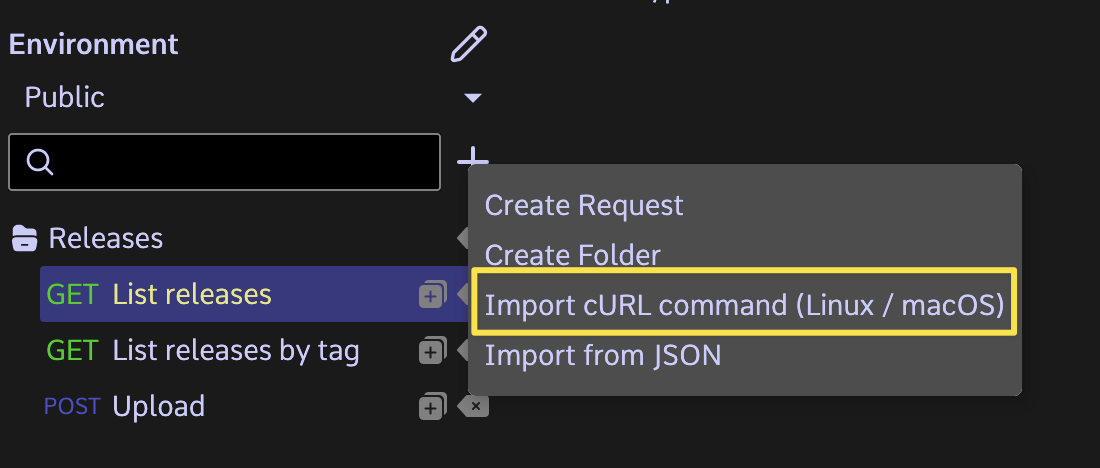
then paste the cURL commands you would like to import into the text field, then click the "Import" button.
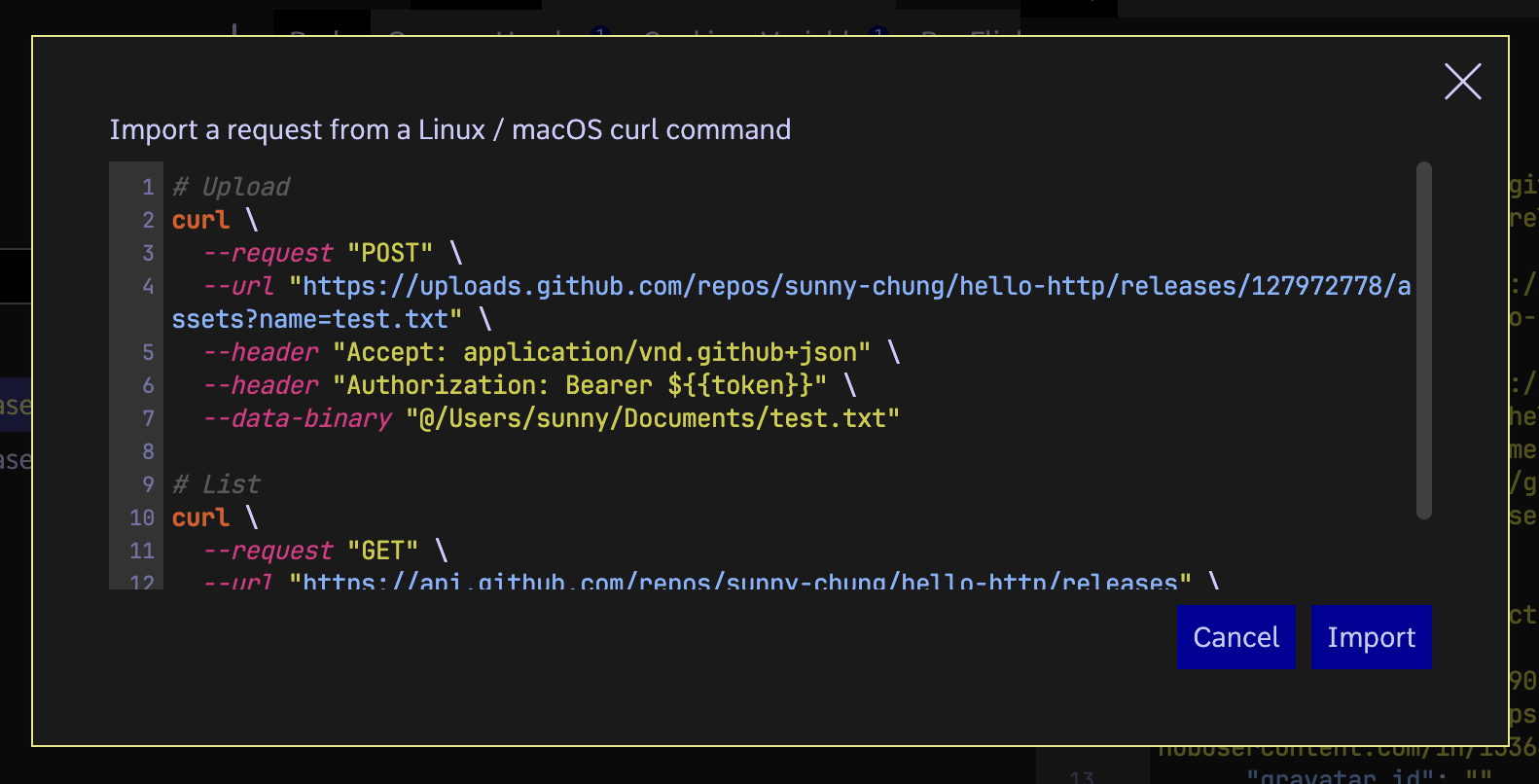
Note that multiple cURL commands can be imported in one go. Bash-style comments can also be included in the text field, though they would be ignored.
Quick Export & Import
One or more requests could be selected (using Shift or Ctrl/Cmd keys) for quick export to clipboard or a file.
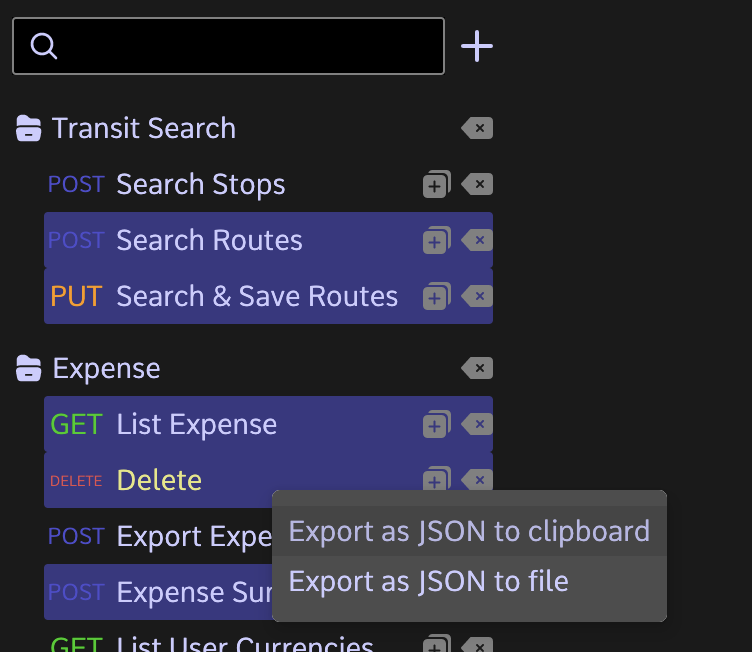
The exported JSON could be imported to anywhere in the same or another instance of Hello HTTP.
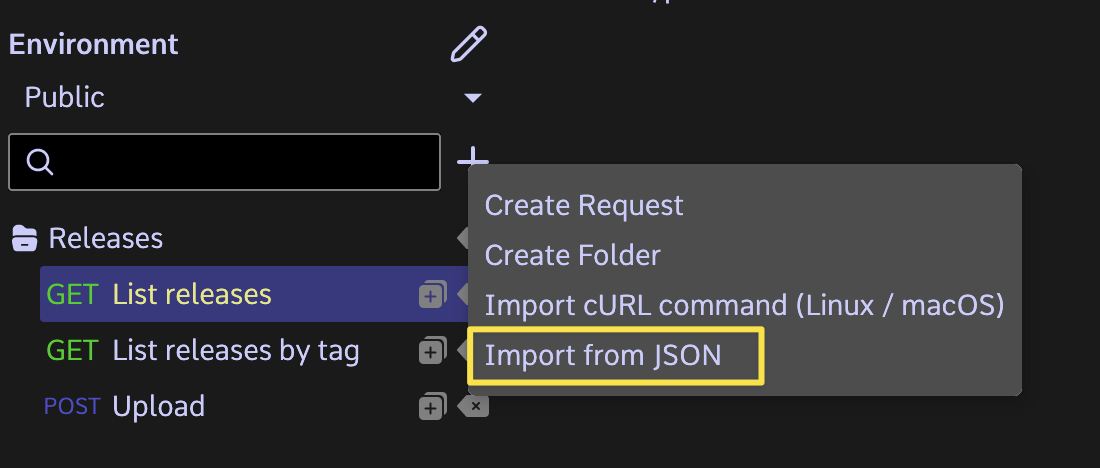
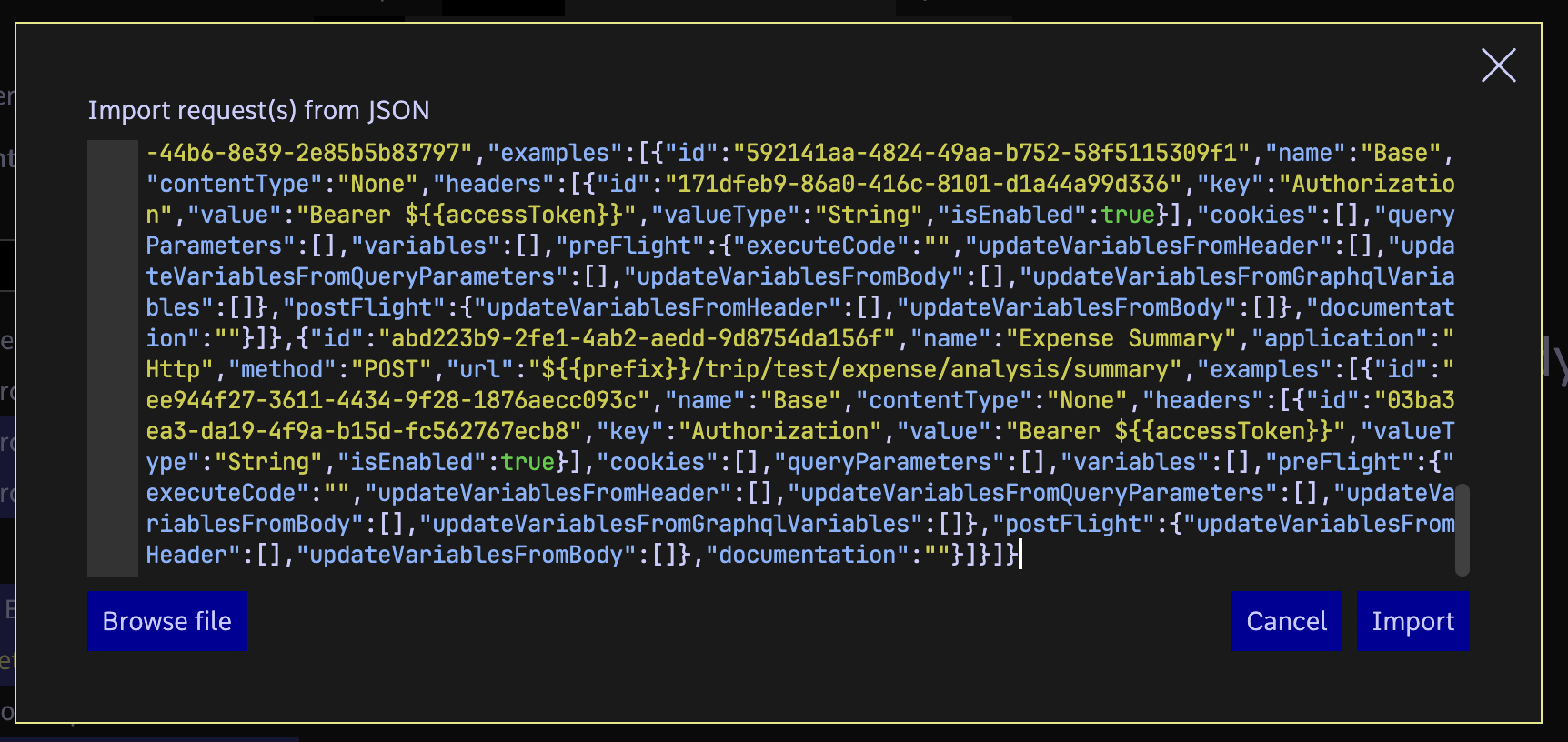
This feature is probably not an intuitive good UX, but is a time-saver and workaround to current limitations of the software. For example, you can quickly "copy" the requests to another subproject, or another machine.
Note: Imported requests would be flattened. The folder structure of original requests is not retained.
Powered by Doctave